
Most CRM projects fail in the same predictable spot: not the technology selection, but the customization decisions that follow. Teams either bolt on every feature request until the system becomes an unmaintainable mess, or they stick so close to out-of-the-box defaults that adoption craters within six months.
Both paths burn budget. The difference between a CRM that pays for itself and one that quietly drains resources comes down to knowing which features deserve custom development, which ones you should purchase as pre-built modules, and which ones you should cut entirely.
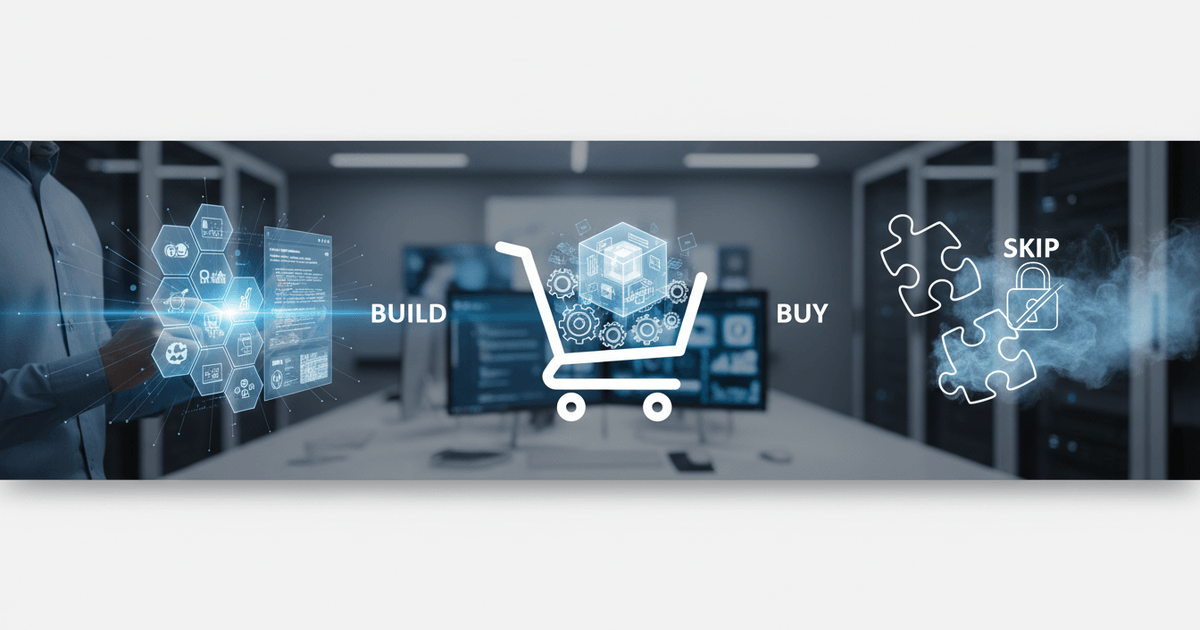
That's what a build-buy-skip framework solves. Instead of treating customization as an open-ended wishlist, it forces each feature through a structured decision filter: does this directly support a revenue-generating workflow, or is it a "nice to have" disguised as a requirement? Scope creep kills more CRM rollouts than bad software choices do.
This guide focuses on the decision-making process itself, giving you a repeatable method for evaluating every customization request against cost, timeline, and actual business impact. For context on how bespoke CRM systems drive measurable ROI and operational efficiency, that foundation will help frame the trade-offs ahead.
What CRM Features Should You Build Custom?
Build custom when a feature directly supports your competitive advantage, connects to proprietary internal systems, or requires industry-specific workflows unavailable off the shelf.
The clearest signal to build is when no commercial CRM handles your workflow without painful workarounds. Multi-stage approval pipelines in regulated industries, territory-based lead routing with custom scoring algorithms, and compliance-driven data handling rules all fall into this category. Off-the-shelf tools treat these as edge cases. For your business, they're the core.
Specific scenarios that justify custom development:
- Industry-specific workflows: A pharmaceutical distributor managing tiered pricing across hospital networks, group purchasing organizations, and independent pharmacies needs logic that Salesforce or HubSpot simply doesn't ship. Configuring around it creates fragile automations that break with every product update.
- Proprietary system integrations: If your ERP, warehouse management, or billing platform was built in-house (or heavily modified), pre-built CRM connectors won't reach the data you need. Custom API layers between these systems and your CRM eliminate manual data re-entry and sync errors.
- Unique lead qualification models: Businesses with non-linear sales processes, where a lead might cycle through engineering review, legal approval, and procurement validation before closing, need scoring models that reflect that reality.
You might be thinking: can't I just customize a commercial CRM with plugins and middleware? Sometimes, yes. But when the customization touches three or more interconnected workflows, the maintenance cost of plugin chains often exceeds what a purpose-built module would cost over 24 months.
Consider a 60-person logistics brokerage in the Midwest that managed freight quotes through a homegrown rate engine. Their CRM couldn't pull real-time carrier pricing into deal records, so reps toggled between four tabs to build a single quote. After investing in a custom module that pulled live rates directly into the deal pipeline, average quote turnaround dropped from 47 minutes to 11 minutes. Win rates on time-sensitive freight RFPs jumped approximately 22% within the first quarter.
That outcome is typical when custom CRM development services are tailored to operational bottlenecks rather than trying to rebuild an entire platform from scratch.
Common advice suggests starting with the biggest pain point. A sharper approach: start with the feature that has the most measurable business outcome. Pain is subjective; revenue impact isn't. A frustrating UI annoyance might rank high on user surveys but deliver zero ROI when rebuilt, while an unglamorous data integration could shave days off your sales cycle.
When Is Buying an Off-the-Shelf CRM Module the Smarter Choice?
Buy off-the-shelf CRM modules when the feature is commoditized, well-supported, and doesn't differentiate your business, since roughly 60-70% of CRM functionality is universal across industries.

Contact management, email tracking, basic reporting, calendar sync. These features have been refined across thousands of implementations over two decades. Building them from scratch is like writing your own spreadsheet software because you don't like Excel's font options.
Many consultants push for a full custom build in the name of flexibility. In practice, buying standard modules and customizing only the gaps delivers better ROI because that 60-70% of universal functionality represents solved problems with mature codebases, active security patching, and established user documentation. Your development budget shouldn't fund reinvention of what already works.
Buy when a module meets these criteria:
- The feature has been stable in the market for 3+ years with regular vendor updates
- It doesn't touch your proprietary business logic or unique sales methodology
- Multiple vendors offer near-identical implementations (a sign of true commoditization)
- The integration points are well-documented with standard APIs
- Your team can configure approximately 80%+ of what they need through admin settings alone
Where teams get into trouble is treating "buy" as a passive decision. Even purchased modules need configuration, data mapping, and user training. The savings come from skipping the architecture, QA, and ongoing maintenance burden of custom code. Purchased modules still need a dedicated internal owner; "set and forget" is how CRM adoption quietly dies.
Put your engineering hours where they create defensible value. Standard modules free your team to focus custom development on the 30-40% of functionality that actually separates you from competitors.
Which CRM Customizations Should You Skip Entirely?
Skip CRM customizations where fewer than approximately 20% of your team would actively use the feature, since low-adoption builds waste both development budget and maintenance effort.
The hardest part of CRM system customization isn't deciding what to build. It's deciding what to leave out. Every feature request feels reasonable in a planning meeting, but the real cost shows up six months later when nobody uses half of what got built.
These customizations consistently deliver poor ROI across most organizations:
- Low-adoption features: If fewer than 20% of your team would interact with a feature weekly, it doesn't justify custom development. Survey your actual users before greenlighting anything. A feature used by three people on a 40-person sales team is a support ticket generator, not a productivity tool.
- Complex reporting dashboards built too early: Teams frequently request custom analytics before they've solved data hygiene. Garbage data in a beautiful dashboard is still garbage data. Get clean, structured information flowing through your scalable custom CRM software built for growth pipeline first, then layer reporting on top.
- Social media CRM integrations: Unless social channels directly generate revenue (think D2C brands running 30%+ of sales through Instagram DMs), skip this. For most B2B teams, social integrations add noise to the contact record without actionable signal.
- Gamification layers: Leaderboards, badges, point systems. They spike engagement for two weeks, then become invisible. Gartner research has consistently found that the majority of gamified business applications fail to meet their stated objectives, and that pattern holds in 2026.
Before approving any custom feature, run a simple test: ask five end users if they'd notice its absence. If three or more say no, that's your answer.
The biggest risk with low-value customizations isn't the upfront cost. It's the compounding maintenance burden. Every custom module needs testing during upgrades, documentation for new hires, and periodic security reviews. Skip the feature, and you skip all of that overhead permanently.
Frequently Asked Questions About CRM System Customization
How much does CRM system customization typically cost?

Basic configuration and field-level changes run around $5,000 to $25,000. Mid-complexity builds like custom dashboards, workflow automation, and third-party integrations typically land between $25,000 and $100,000. Fully bespoke CRM systems with proprietary logic, advanced reporting, and multi-department workflows can exceed $150,000. The biggest cost variable isn't feature count; it's integration complexity with existing tools.
How long does it take to build custom CRM features?
Simple field additions and layout changes take days. A custom module with business logic, testing, and deployment usually requires 4 to 12 weeks. Enterprise-scale projects spanning multiple departments and data migrations can stretch to 6 months or longer. Teams that define acceptance criteria before development starts consistently hit shorter timelines.
Can I customize a CRM system after launch?
Yes, and most teams do. Post-launch customization is standard practice because real user behavior reveals gaps that pre-launch planning misses. The key constraint is architecture: CRMs built on modular foundations accept new features cleanly, while monolithic builds require increasingly expensive rework with each change.
What is the difference between CRM configuration and CRM customization?
Configuration uses built-in settings to adjust behavior without writing code: toggling fields, creating filters, and setting user permissions. Customization involves writing new code or building entirely new features that the platform doesn't natively support. A practical way to think about it: configuration changes what the system shows; customization changes what the system does. For a deeper breakdown, explore what a custom CRM system is and its core benefits to understand where configuration ends and true customization begins.
How do I know if my business needs a fully bespoke CRM system?
Three signals point toward a bespoke build: your team spends more than 10 hours per week on manual workarounds inside your current CRM, your industry has compliance requirements that no commercial platform handles natively, or your sales process is so unique that off-the-shelf tools force you to change how you sell rather than supporting it. If only one of these applies, targeted customization on an existing platform is usually the better path.
Ready to Make the Right CRM Customization Decisions?
Sorting CRM features into build, buy, or skip categories gets easier with a team that's done it across dozens of industries. Explore custom CRM solutions designed to match your workflow and industry needs and turn this framework into a concrete plan for your business.